When you need lettering that feels like it jumped straight out of a superhero panel, the Comic Books Font delivers exactly that energy. Designed as a playful, vibrant kids display font, it’s built around a double-outline style that gives each character a hollow, inline detail. This makes it perfect for layering colors, creating bright stickers, or building eye-catching headlines for children’s branding. Unlike many comic-style fonts that look rough or retro, this one keeps a clean, modern finish so it works just as well on a birthday invitation as it does on a YouTube thumbnail.
What makes the double-outline style useful?
The real trick with this font is its built-in second outline. Each letter has a solid outer shape and a thinner inner line, which creates a natural “open space” inside. That space is perfect for adding a contrasting color, a shadow, or a texture without messing up the letter shape. For example, you can fill the inner area with yellow and keep the outer stroke black instant pop. Print‑on‑demand sellers often use this technique for t‑shirt designs or kids’ room prints because it reads clearly even at small sizes.
If you work with layered vinyl or stickers, this structure saves you time. The font practically separates into two parts: the main outline and the inner highlight. No need to manually trace or duplicate letters.
How to layer colors with the Comic Books Font
- Base layer – Use the solid outline in a dark color (black, navy, deep red).
- Inner fill – Add a bright color like neon green, electric blue, or hot pink inside the hollow space.
- Shadow or glow – Duplicate the text, shift it slightly, and change the color for a 3D effect.
This method works fast in most design software (Photoshop, Illustrator, Canva, Inkscape).
Where does this font fit best?
It’s clearly aimed at kids‑focused projects, but don’t limit it to birthday parties. Think about:
- Comic book titles or speech bubbles (yes, it works for those, too).
- YouTube channel art for gaming or fun educational content.
- Packaging for snacks, toys, or craft kits.
- Classroom posters, reward charts, or school newsletters.
The bold weight and clean inline detail mean it stays readable even when you shrink it down handy for product labels or social media stories.
What if you need a different vibe?
The Comic Books Font fits the playful, high‑energy category, but maybe you’re after something more grunge or sporty. In that case, our funky grunge font selection offers rough edges and distressed textures. For a bolder, stacked look, check the simple stacked font collection great for headlines that demand attention without inline details. And for a clean, modern slab serif, the varsity sport army font pack brings a classic athletic feel.
Is the Comic Books Font easy to pair with other fonts?
Yes. Because it already carries a strong personality, you want to keep the supporting font simple. A basic sans serif (like Montserrat or Open Sans) or a neat handwritten style works well. Avoid pairing it with another display font that has inline or double‑outline details that gets busy fast.
If you need a decorative companion, consider real wavy stacked fonts for a playful secondary line, or dusty font options if you want a subtle vintage contrast.
How to get the most out of this font for your shop
If you sell digital products or physical goods, the Comic Books Font can help you create a consistent brand look across multiple items. Use it on:
- KDP low‑content books (journals, activity books, coloring book covers).
- Print‑on‑demand mugs, tote bags, and apparel.
- Sticker packs that bundle multiple phrases (the double‑outline makes each word stand out).
- Social media templates that repeat the same headline style.
One tip: because the font has that hollow inner space, try using a patterned or gradient fill inside instead of a solid color. It adds depth without extra design work.
Quick checklist before using this font
- ☐ Check the size – test it at small, medium, and large to make sure the inline detail stays crisp.
- ☐ Decide on a color palette – limit to two or three colors to keep the double‑outline effect clean.
- ☐ Test layering – export a sample with one layer, then try a two‑color version.
- ☐ Pair with a simple body font – avoid script or other display fonts that compete.
- ☐ See if the font includes alternate characters or ligatures (some comic fonts do – check the product page).
Next step: Download the font and type a short word (like “BOOM” or “STARS”) in your design app. Try the layering trick with two contrasting colors. That five‑minute test will show you exactly how this font behaves. If it fits your project, grab it and start playing.
Download Now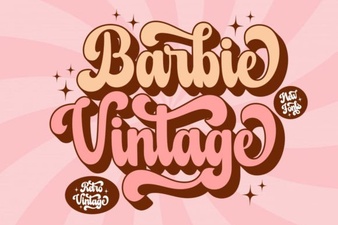 Creative Projects Using Vintage Barbie Font
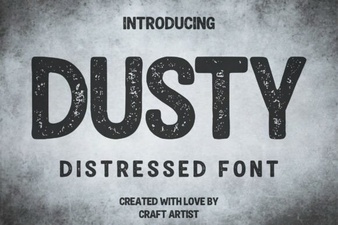 Dusty Font: Vintage Designs & Modern Ideas
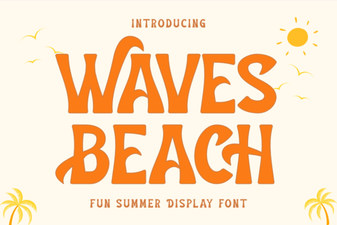 Download the Waves Beach Font for Creative Designs
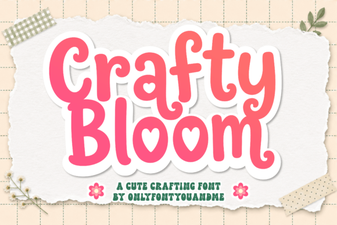 Crafty Bloom Font: Creative Typography Ideas
 Farmstead Font: Design Ideas for Your Projects
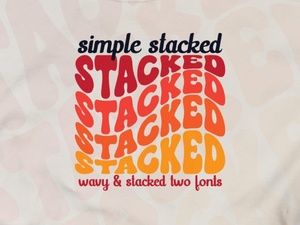 A Simple Stacked Font for Headers & Logos